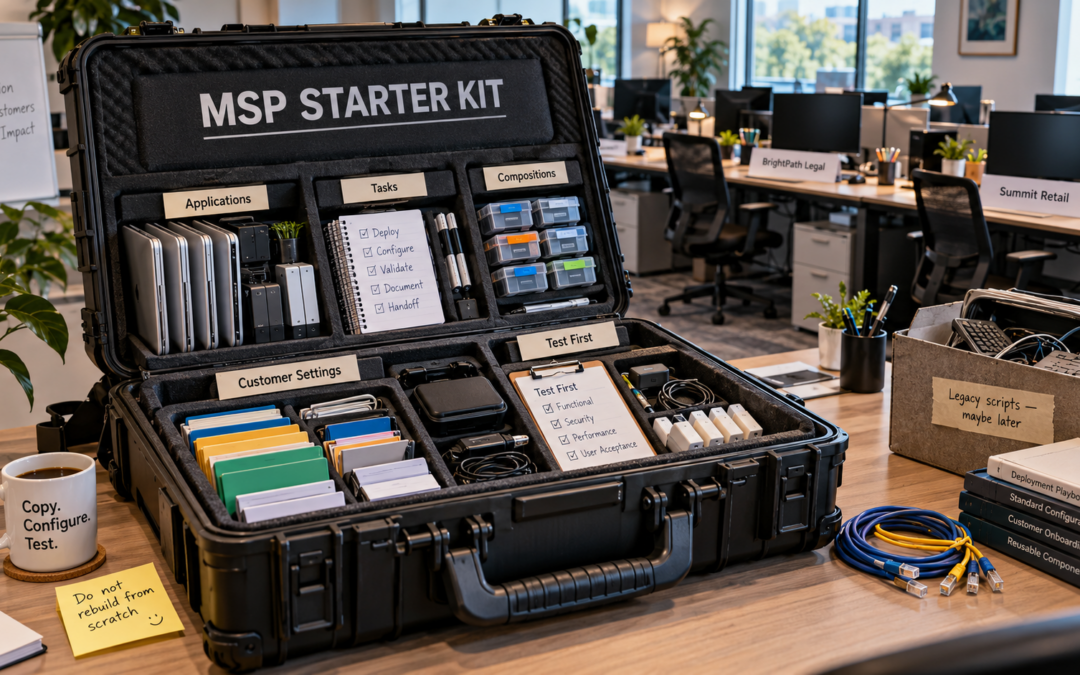
Stop treating every MSP tenant like your first
See how MSPs use tenant-aware workspace orchestration to manage Windows tenants, reuse patterns, and onboard applications faster with worXpace.

See how MSPs use tenant-aware workspace orchestration to manage Windows tenants, reuse patterns, and onboard applications faster with worXpace.
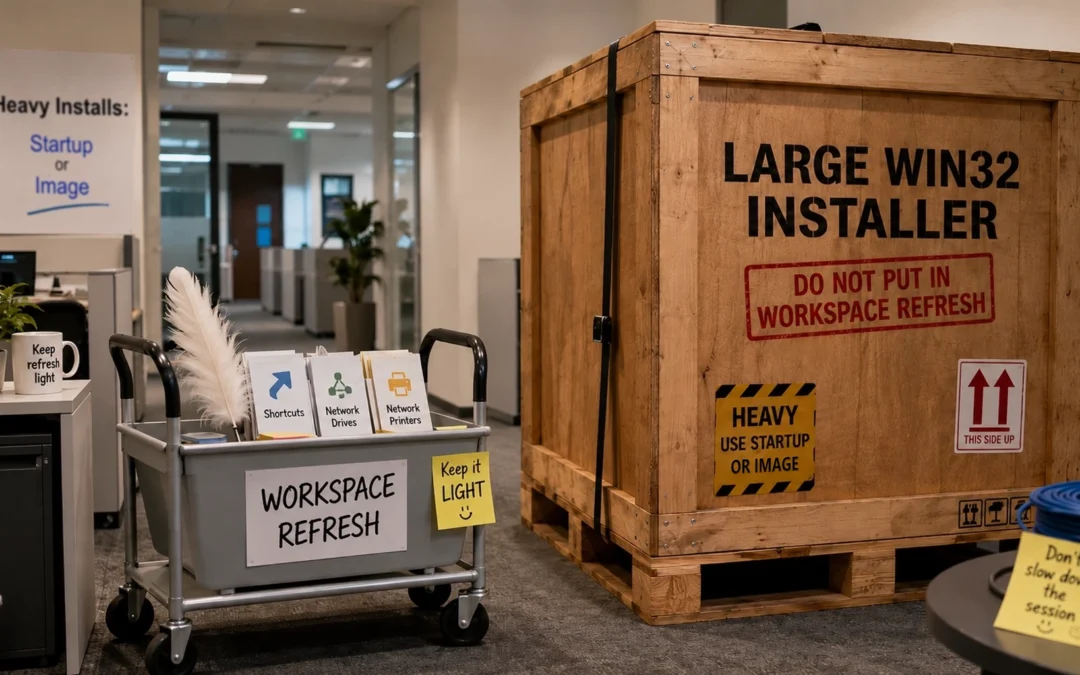
Keep worXpace Workspace Refresh fast and user-friendly. Learn why large application installs belong at Computer Startup—and how smarter timing improves performance.
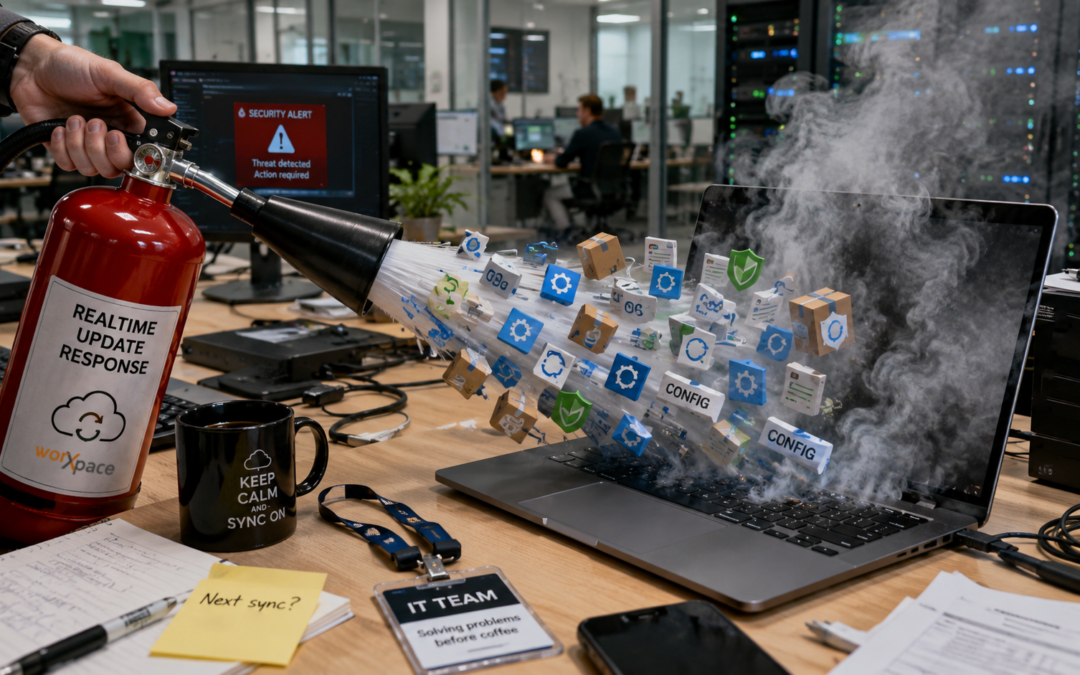
Discover how worXpace Real-time Updates help IT administrators apply workspace changes faster, speed up testing, and respond quickly to urgent situations such as malware incidents, without waiting for the next scheduled synchronization.

Stop hard-coding file server names, UNC paths, URLs, and feature flags across scripts, GPOs, Intune packages, and workspace actions. With worXpace Variables and tenant parameters, Windows admins can manage shared configuration from one central place, reduce script sprawl, simplify server moves, and make workspace changes far less painful. Configuration without the treasure hunt.

Windows shortcuts should not behave like office ghosts: here one minute, gone the next. Learn why desktop and Start menu shortcuts disappear in Windows environments, how unmanaged logon scripts and policies create shortcut drift, and how worXpace Workspace Refresh uses managed shortcuts, Scopes, and assignment-aware cleanup to keep user workspaces consistent across devices.

Prevent surprise app removals on shared Windows PCs. Learn how worXpace Service Point and %ContextTrigger% can keep self-service flexible while protecting classroom, lab, and shift-based devices from accidental software uninstalls.